| Friendly Expert Computer Help - In Plain English | |||
 |
|||

|
|

|
|
|
|||
|
|
|
|
|
| PC911 > Reviews > Software > Acronis TrueImage 6.0 |
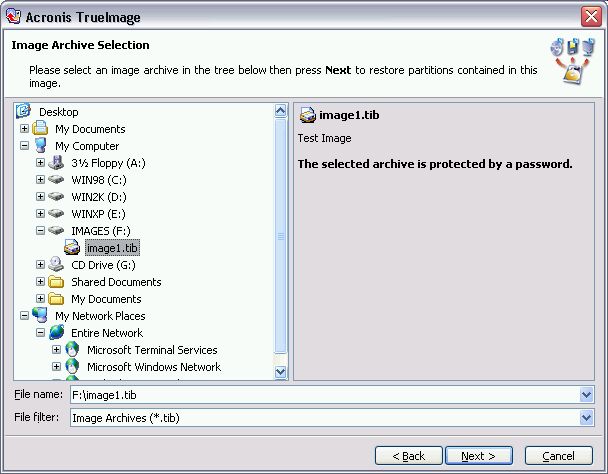
Restoring an image is just as simple. After choosing the option to restore an image you choose the image file.
 |
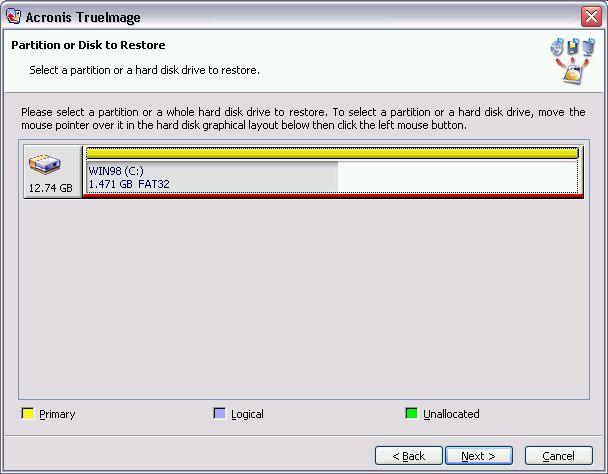
Then choose the partition or drive in the image file to restore.
 |
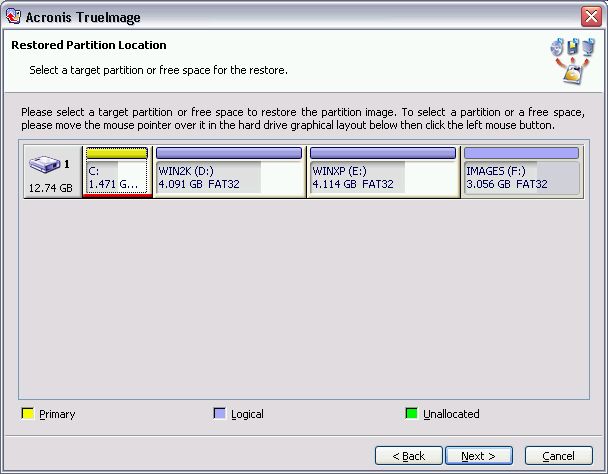
Select the destination partition, where to restore the image to.
 |
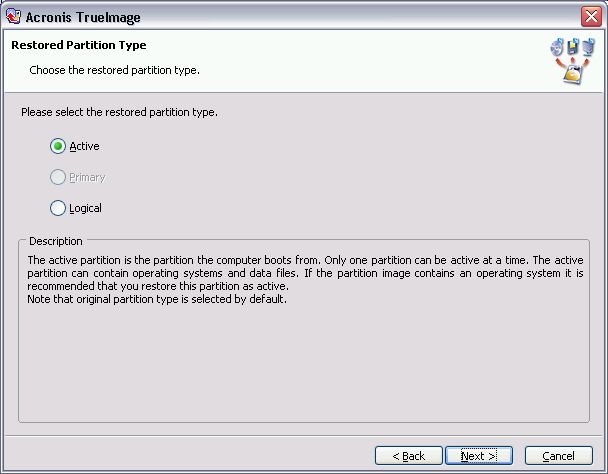
Select the partition type. While this can be an advanced topic, the program by default chooses the original partition type. If you are simply restoring a partition to its original place, go with the default.
 |
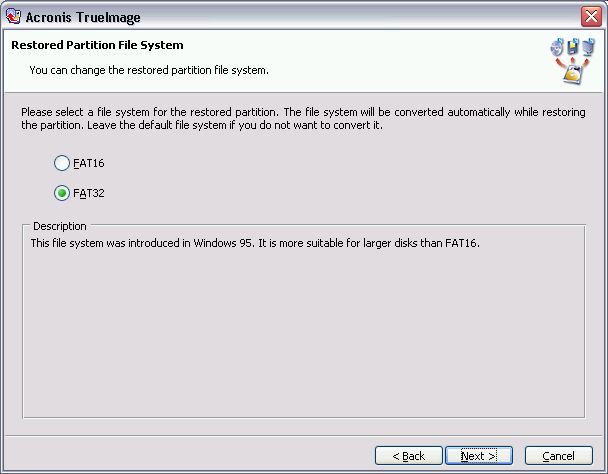
You get the option of changing the file system of the partition during restoration. NTFS is not an option in this dialog, however, the program of course supports NTFS partitions and images/restores NTFS partitions nicely.
 |
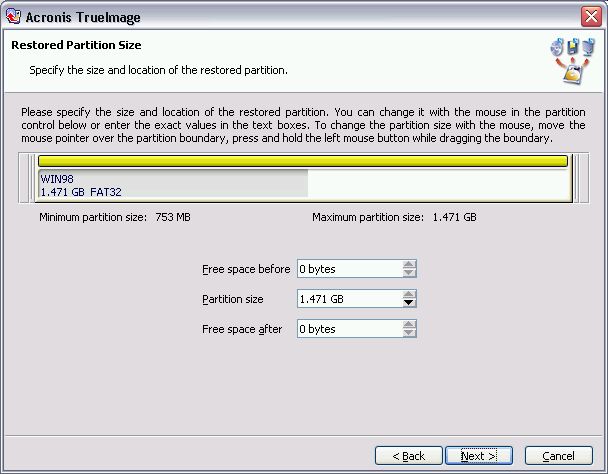
You can also change the partition size and location.
 |
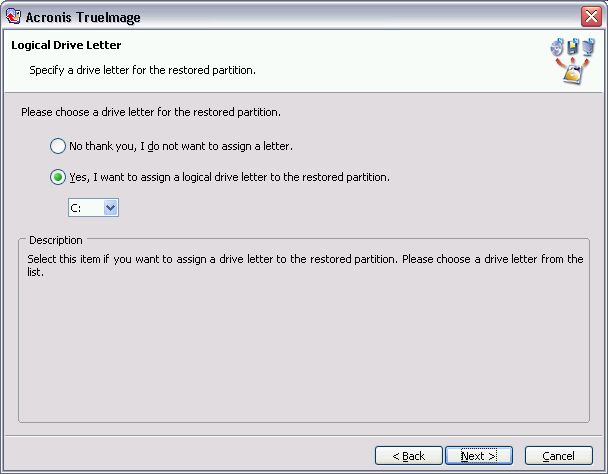
Optional (Windows NT/2000/XP only): Assign a drive letter, or let the OS assign it for you later.
 |
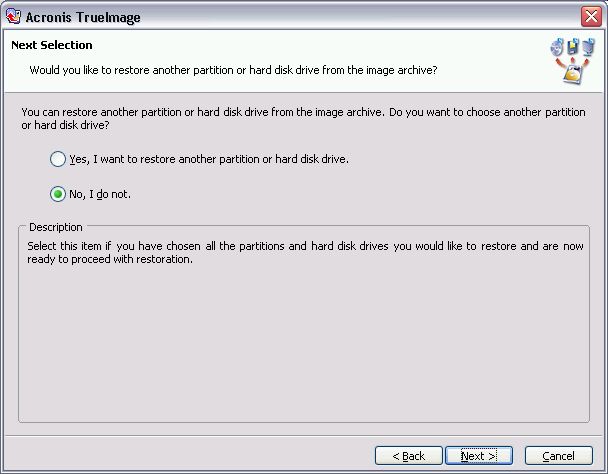
Have more than one partition or drive to restore? No problem. Restore as many as you like in one process.
 |
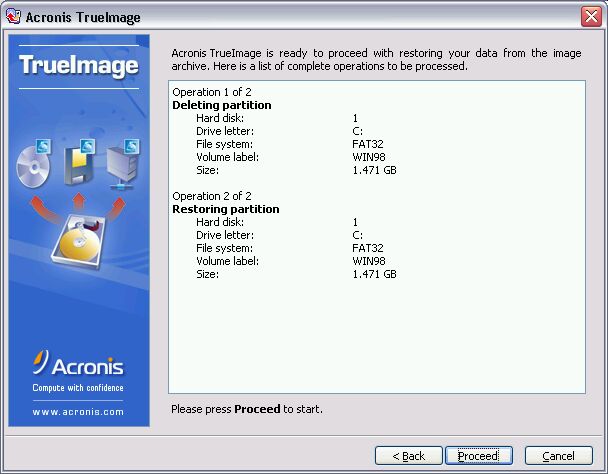
Ready to restore? Push Proceed to start the actual restoration process.
 |
Pretty simple, isn't it?
|
||
| Back To Top Of Page | ||
|
||
|
[PC911 Home]
[News]
[How-To's]
[Tips & Tweaks]
[Reviews]
[Freeware]
[Best Prices]
[Links] [Search] [About PC911] [Link To PC911] [Support PC911] [Legalese] ©Copyright 1998-2022 PC911 Webmaster |
||